A spreadsheet is good for a name list, not for a chart
Let us start with what works in a spreadsheet: the name list. The attendees, students or guests are in a column, they are easy to sort and count, and the list probably already exists somewhere else for another purpose.
A seating chart, however, is two things a column is not: a room and a set of rules. A cell is not a table or a desk, and a grid knows nothing about whether 24 desks fit in a classroom or whether a server can pass between the rows. The name list does not have to go anywhere — it is exactly the part that can be moved across as it is.
One move costs three changes
This is the point where a spreadsheet gives way in practice. When one person changes seats, three things happen in the spreadsheet one after another:
- Two cells have to be edited by hand — and if the swap is a chain, there are more.
- The rules have to be checked again from your own memory: is somebody now sitting next to a person they were not supposed to be next to?
- The printout has to be made again from scratch.
On a plan the same change is one drag: when a name is dropped on a taken seat, the two people change places, and the rules are checked again automatically. If a rule is no longer met, the note below the plan says whose seat it is about and why.
A spreadsheet cannot tell you whether it fits
A grid looks as though everything fits, because there is always one more cell to add. In reality the capacity depends on the room's dimensions, the size of the tables and the walkways — and none of those is in the spreadsheet.
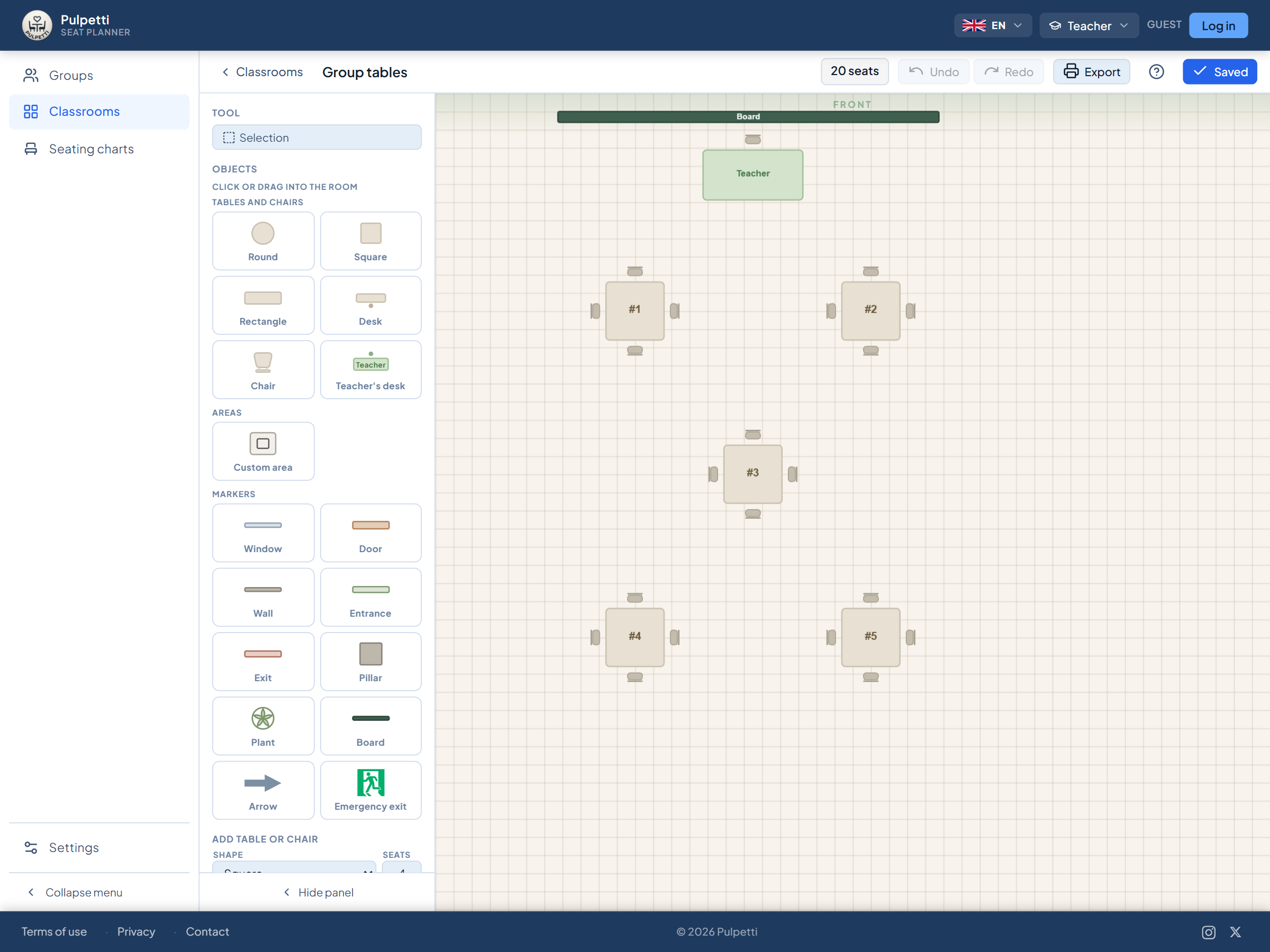
On a plan the room's dimensions are given in meters or feet, and the seat counter tells you after every table you add how many seats the room has. It is the same information a spreadsheet is used to infer by counting rows.
The rules are left to memory
You can add a notes column to a spreadsheet saying "not next to Ville". The column does not do anything, though: it does not stop you seating them side by side, and it does not remind you of the matter when the layout is made again three months later.
On a plan a rule belongs to the group rather than to one version. You say once who must not sit side by side, who belongs at the same table and who needs a seat at the front, and after that every new layout follows them without your remembering them.
A grid is not a chart
The printout is what a substitute teacher, a head waiter or someone on the reception desk actually looks at. A spreadsheet grid is missing two things that make a chart readable: direction (which edge is the front of the classroom, where the stage is) and shape (a round table for ten is not a row of cells).
A printed plan shows the room as it is, and the same data also produces an alphabetical name → table number list, place cards and table signs. Printing and PDF export belong to the paid plans — on the free plan the design tools, the rules and the assignment are available, but the printout is not.
A spreadsheet does not remember which version was the good one
In a spreadsheet, versioning means files: seating_v3_final.xlsx. When there are two options to compare, one of them is always in somebody's inbox.
On a plan, the same group and the same room carry several layouts at once. A class's everyday seats, the group work layout and the exam layout are all saved, and all of them follow the same rules.
The name list moves across in seconds
Switching does not mean starting over or uploading files. Select the name column in your spreadsheet, copy it and paste it into a single field — one name per line. After that you draw the room and state the rules, and the rest happens on the plan.
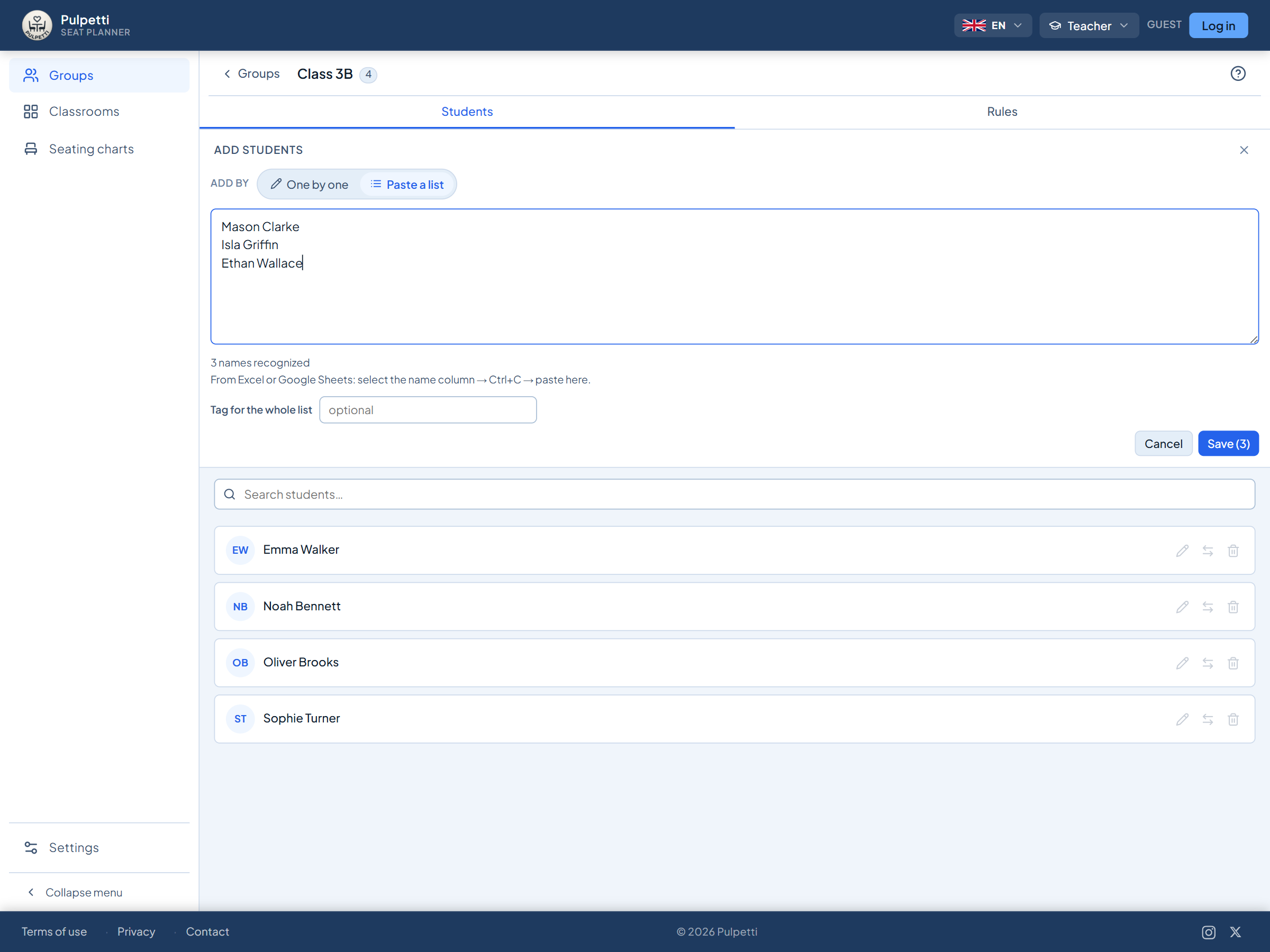
The same tool serves five situations with the same logic but with its own wording for each: classroom seating charts, wedding guest charts, restaurant table plans, event table assignments and trade show floor plans.
On the free plan you can make one group, one room and one layout per setting, with up to 15 people. For a one-off celebration or event there is the one-off purchase, and for continuous use a subscription — the prices are shown on each setting's own page.